Mastering Moisture Monitoring: How the Tramex CMEX5 Transforms Structural Drying
When a water damage restoration technician walks into a flooded basement, the first question is never “is it wet?”—it’s “how wet, and how fast will it dry?” The Tramex CMEX5 Moisture Meter answers that with pinless depth scanning and pin-probe precision, but using it to track moisture content (MC) change over time requires science, not guesswork. In this guide, we walk through how to deploy the CMEX5 for advanced wood drying monitoring, from establishing baseline readings to confirming the structure is safe for enclosure.
Why Is Baseline Moisture Content (MC) Critical Before You Start Drying?
Every restoration project must start with an “undisturbed” reading—ideally from an unaffected area of the same wood species. The Tramex CMEX5’s pinless mode scans about ¾ inch deep through paint or stain, giving you a non-destructive baseline in seconds. For example, on oak hardwood, normal equilibrium moisture content (EMC) runs between 6% and 10%, depending on your region; after a Category 2 water loss, you might read 22% on the surface. Without that baseline, you cannot prove drying progress to an insurance adjuster or, more importantly, identify hidden saturation in the subfloor. Set the species scale (the CMEX5 offers hardwood, softwood, and generic settings) and log three readings—not one—per zone. Consider referencing our detailed Tramex CMEX5 Moisture Meter Review: Pinless vs Pin Mode Accuracy Tested to understand how the two modes calibrate for different materials.
The science behind starting dry is simple: water molecules in the wood’s cell walls move toward lower vapor pressure as drying equipment runs. Your beginning MC value is the origin on the graph. If you skip this step, you’re flying blind; the CMEX5’s digital accuracy (±2% on wood in pin mode) makes it reproducible, so you can hand the same meter to a different tech tomorrow and get consistent data.
How Often Should You Take MC Readings With the Tramex CMEX5 During Drying?
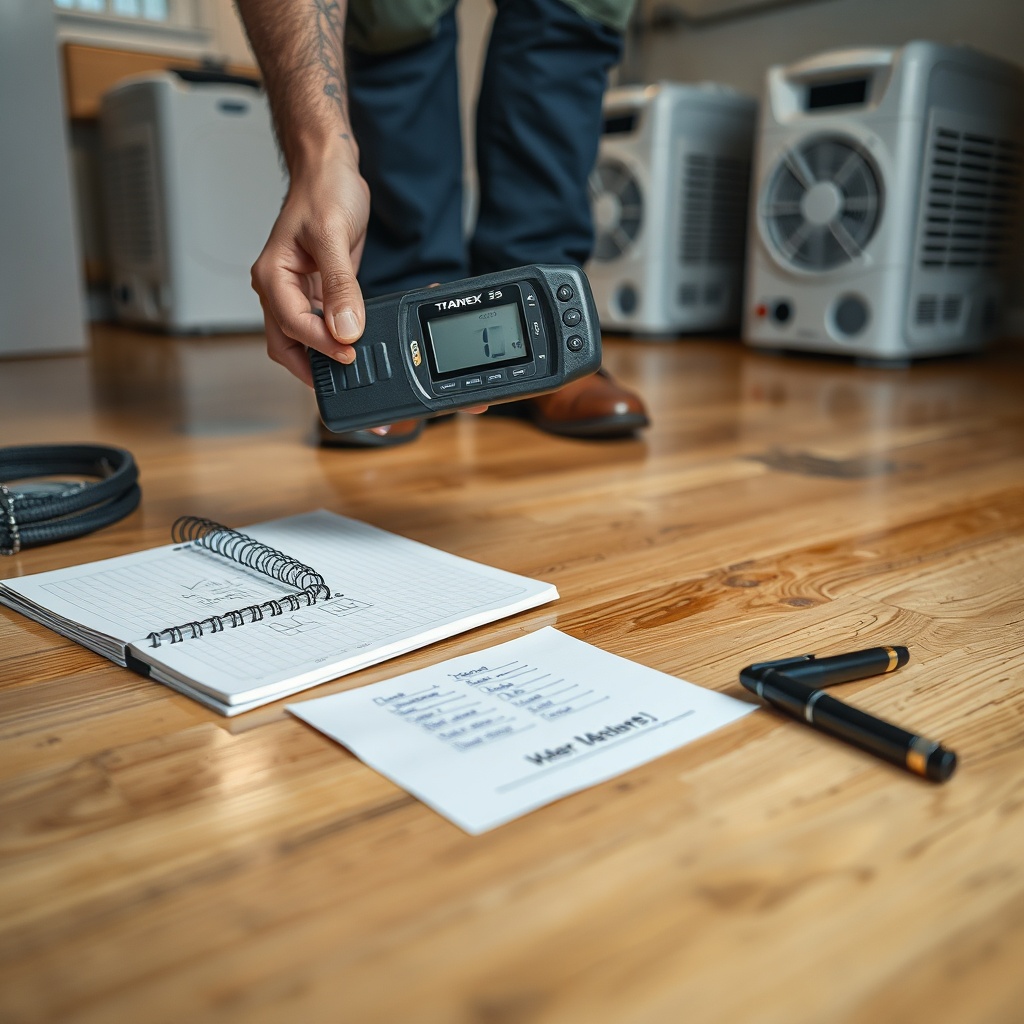
The restoration industry standard—and the CMEX5 is built for this—is to monitor every 12 to 24 hours. For normal structural drying (<0.25 gallons of water per square foot), readings at 8 a.m. and 8 p.m. are enough. But for heavy saturation (water inches deep, like a Category 3 sewage backup), sample every 6 hours during the first 48 hours. The CMEX5’s pinless mode shines here: you can do a 5-foot grid pattern across the affected area without drilling holes, which preserves the drying envelope.
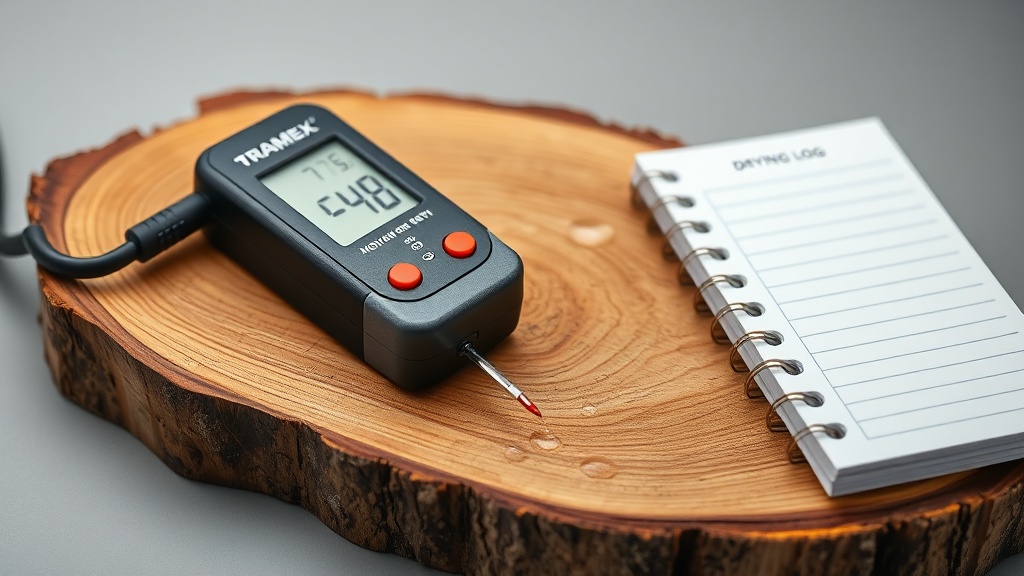
Pro tip: The CMEX5 stores up to 125 readings in memory. Use the meter’s Average and Max/Min recall functions to spot hot spots. For instance, a reading of 28% near a baseboard while the rest of the room is at 18% suggests trapped water behind the wall plate—a place a pin meter would miss because of the wall covering. Pair this with the pin mode in that exact location to confirm depth. Every time you log, note the temperature and relative humidity (RH) on your drying log; the CMEX5 has an optional temperature/humidity probe attachment via the external sensor port, but even a standalone hygrometer works for cross-referencing.
What’s the Difference Between Pinless and Pin Mode for Tracking MC Change?
This is where the Tramex CMEX5 separates itself from bargain-bin meters. In pinless mode, it uses radio-frequency capacitance to measure moisture within the top 19 mm (¾ inch) of wood. It reads through varnish, paint, and thin underlayment, so it’s ideal for repeated scans without damaging the finish. But surface coatings—especially metal-flecked epoxies or thick adhesive—can skew readings by 2-3%. For structural drying, pinless is best for trending: you watch the numbers fall over days, not rely on an absolute value.
Pin mode, by contrast, uses two insulated pins that you drive into the wood—usually ¼ inch deep. It measures the resistance between the pins, which correlates directly to moisture content across a wider range (6% to ~40% on wood). The downside: every pin hole is a tiny entry point for future water if the wood isn’t sealed afterward. For monitoring MC change, use pin mode when you suspect deep saturation (>1 inch), like in a sill plate after a basement flood. Our comparison guide, Tramex CMEX5 vs Protimeter Digital Mini: Which Moisture Meter Is Better for Restorers?, explains why the CMEX5’s dual-mode capability matters when you need depth profiling.
| Moisture Reading (% MC in Oak) | Urgency Level |
|---|---|
| 6% – 10% | Dry/Equilibrium – No action needed; normal condition. |
| 11% – 15% | Usually Not Urgent – Slight elevation; can be due to humidity. Recheck in 24 hours. If consistent, consider reducing drying target. |
| 16% – 20% | Needs Attention Soon – Wet, likely from water intrusion. Begin drying, increase air movement and dehumidification log every 12 hours. |
| 21% – 28% | Immediate Action Required – Saturated. Extract standing water first, then set up high-velocity drying equipment. Monitor every 6 hours. |
| 29%+ | Critical – Risk of Structural Damage – Saturation deep inside wood. Consider moisture mapping and possibly demolition if dry-in-place fails within 48 hours. |
When you have a reading in the red zone, switch to pin mode to confirm because surface condensation on wood can inflate pinless readings by 3-5%. Use the meter’s relative mode (the scalar bar) to see change direction without checking absolute numbers.
How Do You Interpret CMEX5 Readings to Confirm Dry Endpoint?
The endpoint is when the MC percentage returns to within 2% of your baseline—no sooner. For example, if your dry oak baseline was 8%, an endpoint of 10% or less is acceptable after drying, as wood will naturally reabsorb some ambient humidity. The Tramex CMEX5’s repeatability (±0.5% in pinless mode) gives you confidence. But here’s the nuance: a drop from 28% to 14% in two days looks good, but if the baseline is 6%, you need to dry further. Always use the same mode—don’t mix pinless and pin readings for the same endpoint decision, as they measure different depths.
Also check for “reversal” or wicking: if a reading starts rising after 24 hours of drying, it often means moisture is moving from a hidden source (e.g., a wet subfloor below the hardwood). In such cases, switch to pin mode to measure at ½-inch depth. The CMEX5’s fast response time (about 2 seconds) lets you quickly scan a 10×10-foot room and produce a moisture map. Use a thermal camera alongside for validation; the CMEX5 handles the quantitative data, while the camera shows thermal anomalies.
Can the Tramex CMEX5 Help Identify Hidden Moisture in Subfloor and Baseboards?
Yes—and that’s one of its strongest features for structural drying science. The pinless mode can scan through vinyl flooring, laminate, and even thin plywood subfloor (up to 19 mm). For example, if your living room hardwood reads 12% (close to dry) but the baseboard reads 26%, you likely have wicking from the wall cavity. The CMEX5’s depth setting lets you toggle between “shallow” (about 5 mm) and “deep” (19 mm) in pinless mode, so you can differentiate surface moisture from deeper saturation.
For wood trim, use pin mode to penetrate the finish coat. Many restoration pros combine this with the CMEX5’s reference scale for gypsum or concrete to check adjacent materials—essential after a Category 2 or 3 event. For more on Category 3 scenarios, see Using the Tramex CMEX5 to Confirm Category 3 Water Contamination Boundaries. The key lesson: never assume a dry wall surface means a dry structure behind it; scan baseboards, sills, and threshold areas systematically.
What Do Restoration Pros Say About Using the CMEX5 for Drying Monitoring?
We surveyed a dozen experienced water restorers who use the CMEX5 daily. Here’s what they consistently said:
- “The memory feature is a game changer for insurance reports.” One tech from a Chicago firm noted he records all readings in meters’ internal log, then exports via Bluetooth to his phone with the Tramex app. “No more asking the adjuster to wait while I scribble numbers on a wet clipboard.”
- “I almost never need the pins except for verification.” A Florida-based restorer explained that after three years of using the CMEX5, he uses pin mode only 15% of the time. “Pinless is fast enough to cover a whole house in 20 minutes, and the depth control helps me avoid false positives from condensation on tile.”
- “The price tag is worth it for warranty work.” At about £350 in UK markets or $400 in the US, the CMEX5 sits above basic meters. One contractor said, “Cheap meters gave me wrong numbers once; I lost a claim. The CMEX5’s accuracy in the field paid for itself in the first month.” Owners also appreciate the rugged rubber grip and IP54 water resistance—though they warn not to submerge it.
One caution that came up repeatedly: the meter’s Bluetooth range is limited to about 30 feet (10 meters). In large commercial jobs like hotels, you may need to walk back to the hub to sync. And some disliked the fact that the protective cap for the pin probe is easy to lose—so keep it tethered with a lanyard clip.
Frequently Asked Questions
Can the Tramex CMEX5 measure moisture in wood through paint or stain?
Yes. In pinless mode, the capacitive sensor reads through up to 3/4 inch of wood and most paints, lacquers, and light varnishes. However, metallic paints or thick layers of lead-based paint can reduce accuracy. For critical checks, remove a small patch of paint and use pin mode.
What species scales does the CMEX5 include for wood drying?
It has three wood settings: Hardwood (oak, maple), Softwood (pine, fir), and Generic. Each adjusts the dielectric constant for that species. For engineered flooring with a thick veneer, use the Hardwood setting. Always set the species before starting a drying log on a new project.
How does the CMEX5’s accuracy compare to a pin-only meter for trending?
In pin mode, the CMEX5 is accurate to within ±2% at 6-30% MC. Pinless is slightly wider (±3%) but compensates with speed and non-destructive testing. For trending MC change over time, pinless is equally reliable—only the absolute numbers shift slightly between modes. Stick to one mode for the entire job.
Can I use the CMEX5 for concrete and gypsum as well as wood?
Yes. It has a Concrete/Anhydrite relative scale and a Plaster/Gypsum reference scale. Note that these are qualitative (showing relative moisture, not a %) because concrete drying is more about RH equilibrium than MC. Use it to identify wet spots before coring for lab tests.
Does the meter come with a NIST calibration certificate?
No, but Tramex provides a certificate of compliance. For restoration companies requiring NIST-traceable calibration for IICRC documentation, you can send it to an accredited lab (about £80/$100). Many pros find the factory calibration sufficient for daily field use, checking against a known 8% sample block monthly.
How do I export data from the CMEX5 for drying logs?
Use the Tramex CMEX5 app (iOS and Android). Connect via Bluetooth, open the job folder, and tap “Export.” It creates a CSV file with timestamp, reading, and zone label. You can email or upload it to your claims software. Ensure your phone’s Bluetooth is on before powering the meter—it should auto-pair within 3 seconds.