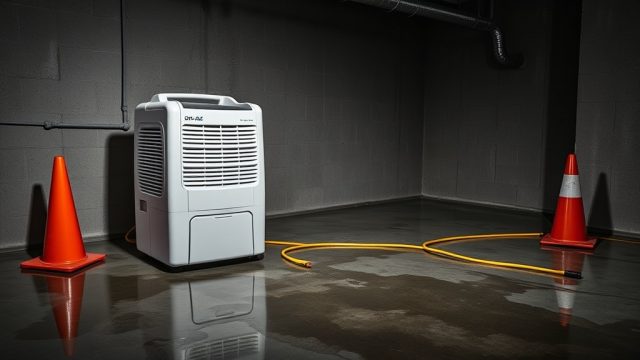
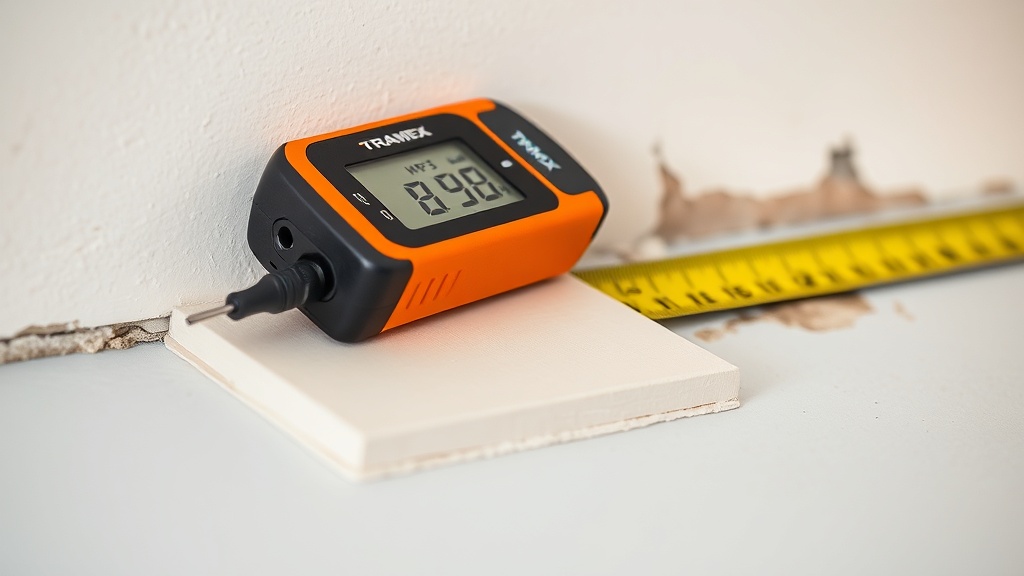
Using the Tramex CMEX5 to Confirm Category 3 Water Contamination Boundaries
When dealing with Category 3 water—often called black water—precise boundary mapping isn’t just a good practice; it’s a critical step for safe demolition and proper drying. The Tramex CMEX5 moisture meter, with its dual pinless and pin mode, offers restorers a reliable way to delineate affected vs. unaffected areas. This article focuses on using the CMEX5 to confirm where Category 3 contamination ends, ensuring you only remove what’s necessary and document your decisions with confidence.
What Is Category 3 Water and Why Boundary Confirmation Matters?
Category 3 water includes sewage backflows, floodwater from rivers or groundwater containing pathogens, and stagnant water that’s sat for over 72 hours. Unlike Category 1 (clean) or Category 2 (gray water), black water requires removing all porous materials that have absorbed it—drywall, insulation, carpet, and underlayment—up to a defined boundary. The Tramex CMEX5 helps you find that boundary by measuring moisture content (MC) deep within materials, distinguishing between unaffected dry areas and those saturated with contaminated water.
For example, a sewage backup in a basement may spread horizontally through carpet and vertically up drywall via capillary action. Without the CMEX5, you might guess the wet perimeter, but guessing leads to either over-demolition (unnecessary cost) or under-demolition (health risk from residual bacteria). The meter’s non-invasive pinless mode can scan large areas quickly to locate moisture gradients, while pin mode verifies MC in suspicious spots—like behind baseboards or inside wall cavities.
Using the CMEX5 in this way aligns with IICRC S500 standards, which require restorers to establish a “flood cut” line at least 12–24 inches above visible water damage. However, that rule of thumb fails when water wicks higher due to porous materials. The CMEX5 lets you measure actual MC at different heights, so you cut where the material is dry—not where a textbook says it should be.
How Do You Perform a Boundary Scan with the Tramex CMEX5?
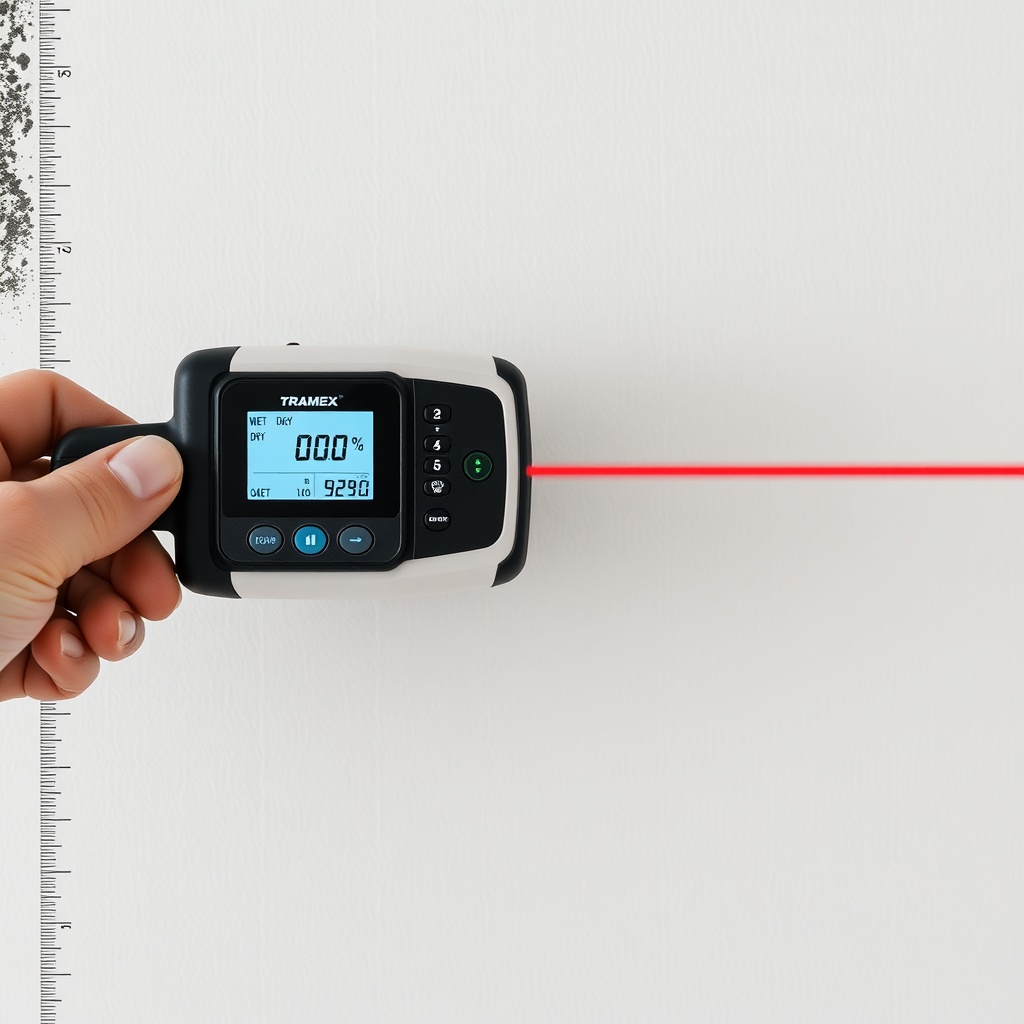
Start by using the meter in pinless mode (non-invasive) to sweep the surface of the affected wall or floor. Hold the CMEX5 flat against the material and move it slowly from the visibly wet area outward into the dry zone. Watch the digital readout and the color-coded LED bar; the meter typically peaks at MC readings above 20% for wet gypsum or wood, while dry materials hover around 6–12%. Mark the point where the reading drops below 15% with a pencil—this is your preliminary boundary.
Next, switch to pin mode (electrode pins) to drill into the surface or insert pins into suspicious areas—like the gap between drywall and studs. Pin mode gives depth-specific readings, letting you check if moisture has wicked beyond the surface layer. For example, if a pinless scan shows 18% at 18 inches above the floor, but pin mode at the same spot shows 12% at ¼-inch depth, you know the surface is still damp but the core is dry. The CMEX5’s 0.5% resolution helps you distinguish these subtle differences.
Document every reading with the meter’s hold function or by noting coordinates on a floor plan. Take photos of the meter’s display next to the measurement point for insurance and remediation records. The CMEX5’s built-in accuracy calibration (verified via the built-in test block) ensures repeatability across multiple readings—essential when you’re arguing a boundary line with an adjuster or homeowner.
What Are the Key Readings That Indicate Category 3 Contamination Boundaries?
Interpretation depends on material type and its reference dry standard. Here’s a practical reference for common materials:
- Gypsum drywall: Dry baseline is 0.5–1.0% WME (wood moisture equivalent). Readings above 2% WME suggest moisture migration; above 5% WME in a single spot indicates possible contamination wicking. For Category 3, cut at the point where pinless readings drop below 1.5% WME for two consecutive 6-inch intervals.
- Wood framing: Dry MC is 6–12%. Readings above 16% MC require monitoring; above 20% MC in any section near contamination means it should be replaced or dried with air movers if the water source is clean. For black water, wood with MC >16% within 12 inches of the wet zone gets replaced.
- Concrete subfloor: Concrete doesn’t rot, but it wicks moisture. Use pinless mode at depth setting 3 (¾-inch penetration). Readings above 4% WME indicate moisture present; above 8% suggests standing water had saturated the slab, requiring antimicrobial treatment.
The CMEX5’s relative mode helps here: set a baseline on a known dry area of the same material, then compare. A 10% or greater increase from baseline signals likely water migration. For Category 3, this delta matters because even a small moisture increase can support bacterial growth if contaminants are present.
How Does the Tramex CMEX5 Compare to Other Meters for This Task?
Many restoration crews carry both a pinless and a pin meter. The Tramex CMEX5 combines both in one unit, saving time and reducing equipment clutter. Compared to the Protimeter Digital Mini, the CMEX5 offers a larger display, depth-adjustable pinless scanning (¾ inch, 1½ inch, and deep mode), and a built-in test block for daily calibration. The Protimeter is narrower and lighter, but it lacks the CMEX5’s color-coded LED bar that gives quick visual boundary confirmation without squinting at numbers.
Another competitor, the Tramex CMM5 (the older model), has similar pinless capabilities but uses a smaller screen and lacks the CMEX5’s pinstick connector for deep wall readings. The CMEX5’s ability to add an extension electrode (accessory) lets you probe behind baseboards or into wall cavities without removing them—critical for confirming whether water has traveled up a stud behind intact drywall.
For boundary mapping, the CMEX5’s dual-mode approach is more reliable than single-mode meters. A pinless-only meter might miss moisture trapped behind tile or plastic vapor barriers, while a pin-only meter requires destructive drilling. The CMEX5 lets you scan first (pinless) then verify (pin), saving time and minimizing holes that need patching later.
What Are the Most Common Missteps When Using the CMEX5 for Category 3 Work?
- Relying solely on pinless mode for all materials. Pinless readings can be skewed by metal studs, rebar in concrete, or high-density insulation. Always confirm suspect readings with pin mode to avoid false positives that could lead to unnecessary demolition.
- Ignoring ambient conditions. The CMEX5 is temperature-compensated, but high humidity (above 70% RH) can cause surface condensation that reads as moisture. Let the meter acclimate to the workspace for 30 seconds before testing. Use the built-in humidity sensor (optional probe) to check ambient RH.
- Not setting a dry baseline. Without a reference reading on a known dry area of the same material, you can’t tell if a 14% MC reading is normal for that wood species or a sign of wicking. For example, pressure-treated lumber has higher baseline moisture (up to 25% when new) than standard framing wood.
- Cutting too close to the wet zone. The IICRC recommends a 12-inch minimum clearance from the visible wet edge for Category 3. Use the CMEX5 to extend that boundary 6–12 inches further into dry materials, then confirm with pin readings. This ensures you’ve removed all contaminated material even if moisture invisibly migrated.
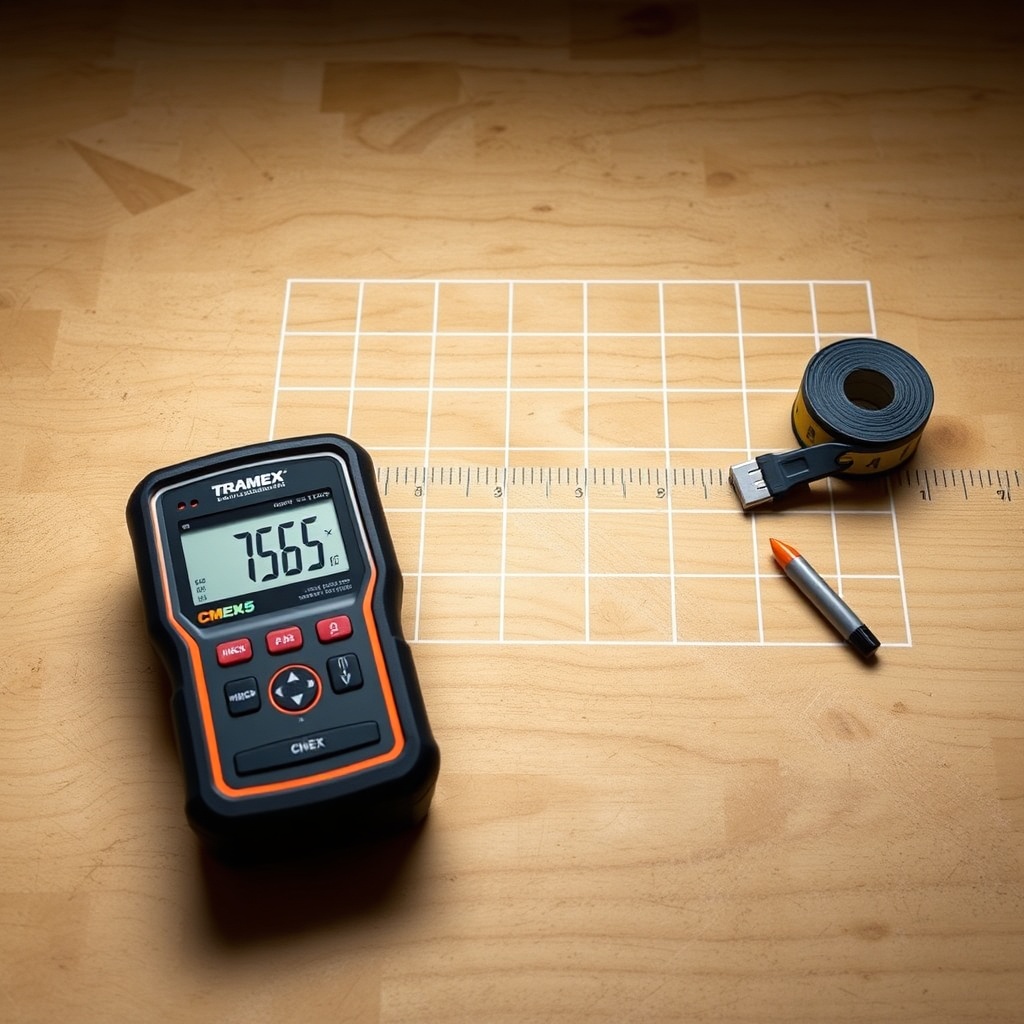
- Failing to document readings. Insurance companies and health inspectors may ask for evidence. Use the CME
X5’s hold function and take photos with a date stamp. Pair with a moisture mapping software like Dri-Eaz or a simple grid on paper.
How Does Material Type Affect CMEX5 Readings in Category 3 Scenarios?
Different materials respond differently to moisture and the CMEX5’s electromagnetic fields. Here’s a severity table to help you interpret readings:
| Material | Normal Dry Range (CMEX5) | Action Threshold for Category 3 |
|---|---|---|
| Gypsum drywall | 0.5–1.5% WME | >2.5% WME within 18″ of wet zone; remove up to 1% WME |
| Douglas fir lumber | 6–12% MC | >16% MC within 12″ of wet zone; remove or treat |
| Carpet + pad | 5–10% MC (pad) | >15% MC in pad; full replacement required |
| Concrete slab | 2–5% WME | >8% WME or visible dampness; antimicrobial cleaning needed |
| Plywood subfloor | 6–12% MC | >18% MC near source; replace if delamination occurs |
When scanning drywall, note that the CMEX5’s pinless mode at shallow depth (¾ inch) will read through paint and texture but may be affected by metal corner beads. Use pin mode at the corner bead edges. For hardwood floors, pinless mode can see moisture below the surface finish, but pin mode inserted into the tongue-and-groove joint gives more accurate depth readings. Always check both sides of the material if accessible (e.g., from the attic or crawlspace).
Moisture wicking in wood can be dramatic: pine framing, for instance, can pull black water up 24 inches or more in 48 hours. The CMEX5’s deep mode (1½-inch penetration) is ideal for checking stud depth without drilling. Record readings at 6-inch intervals along the wall stud until you hit 12% MC or lower, then cut the drywall at that elevation plus 12 inches for safety margin.
What Owners Say
Long-time restorer Mike T. from Chicago comments: “I’ve been using the CMEX5 on sewage jobs for three years now. The pinless scan saves me from cutting drywall blindly. I sweep the wall every 4 inches vertically, mark where the numbers drop, and I’m usually right on—within 2 inches of what we find when we demo. The built-in test block gives me confidence the calibration hasn’t drifted.”
Jennifer R., a project manager in New Orleans, adds: “We do a lot of flood restoration after hurricanes. The CMEX5’s color-coded bar is great for training new techs—they can see green (dry) versus red (wet) without squinting. We also use it for final verification after drying; if every zone is below 12% MC, we know the Category 3 boundary was cleanly removed.”
Frequently Asked Questions
Q: Can the Tramex CMEX5 detect moisture behind ceramic tile that might have black water contamination?
A: Yes, but with limits. In pinless mode at depth setting 3 (¾ inch), the CMEX5 can read through tile and thinset. However, thick tile (over ½ inch) or metal mesh in the substrate may cause inaccurate readings. Use pin mode by drilling a small hole through a grout line for verification. If moisture is detected, the tile likely needs removal for Category 3.
Q: How often should I calibrate the CMEX5 for restoration work?
A: The manual recommends checking calibration daily against the built-in test block (green button). For Category 3 work, do a calibration check before each job site. If readings drift more than 1% on the test block, send the unit to Tramex for service. Most users find it holds calibration for months under normal conditions.
Q: Is the CMEX5 suitable for use on wet, conductive materials like saltwater flood damage?
A: Yes, but be cautious. Saltwater is highly conductive and can cause the meter to read higher than actual moisture content. The pinless mode is less affected than pin mode, but you should take multiple readings in different spots and cross-reference with a psychrometer or temperature/humidity sensor. Always confirm with pin mode in a small area you’re willing to sacrifice.
Q: What’s the difference between reading WME (wood moisture equivalent) and actual MC?
A: WME is a relative scale used for non-wood materials like drywall and concrete, calibrated to approximate how wood would respond to moisture. Actual MC is the percentage of water weight in wood. The CMEX5 displays both options depending on material setting. For Category 3 boundary work, stick to WME for gypsum and concrete and MC for wood.
Q: Can the CMEX5 help me determine if a contaminated wall has fully dried after cleaning?
A: Definitely. After antimicrobial treatment and drying, scan the area with the CMEX5 in pinless mode. The goal is readings within 1% WME of adjacent dry materials. For wood framing, aim for 12% MC or lower. Use the meter weekly during drying to track progress—this is also discussed in the Advanced Wood Drying Science guide.
Q: Does the CMEX5’s warranty cover damage from Category 3 water exposure?
A: Standard warranty covers manufacturing defects, not accidental damage. If the meter itself gets contaminated with black water, it must be cleaned and disinfected according to the manual (using isopropyl alcohol). Avoid submerging the unit; it’s not IP-rated. For heavy use in biohazard environments, consider a protective cover or disposable probe covers for the pins.
This article is part of a series on the Tramex CMEX5. For a full comparison of its accuracy in pinless vs. pin mode, see the Tramex CMEX5 Moisture Meter Review: Pinless vs Pin Mode Accuracy Tested. To understand how it stacks up against a competitor, read the Tramex CMEX5 vs Protimeter Digital Mini: Which Moisture Meter Is Better for Restorers?.